
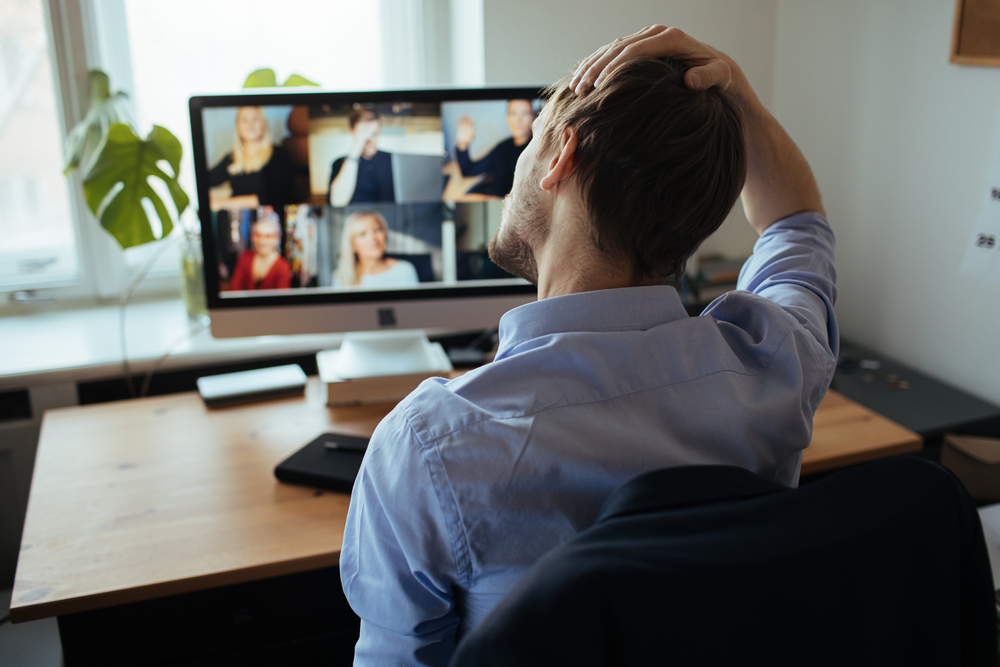
It’s 3:07 p.m. You’ve been on back-to-back video calls since 9. Your coffee is cold. Your shoulders have migrated north toward your ears. And you’ve spent so long staring at your own face in a little corner box that you’re beginning to understand how celebrities feel when paparazzi photos appear online.
Welcome to Zoom fatigue: the oddly specific exhaustion that comes from spending too much of your workday on video calls.
And no, it’s not just “being tired.”
It’s the glazed eyes. The tense jaw. The creeping inability to form a coherent thought during Meeting #6 — the one that absolutely could’ve been an email, because apparently 47 meetings wasn’t ambitious enough.
For remote workers, this kind of screen-heavy overload isn’t just annoying. It quietly chips away at focus, working from home productivity, energy, and your ability to do actual work between all the talking-about-work.
So what’s actually going on here? Why do video calls feel so much more draining than normal conversations? And more importantly: what can remote workers do about it? Read on as Circle Hub explains.
What Exactly is Zoom Fatigue and Why Should You Care?
Let’s define the thing.
Zoom fatigue refers to the mental and physical drain associated with excessive video meetings. Not generic end-of-day tiredness. Not “I slept badly, and now Outlook feels aggressive.”
This is a specific flavor of cognitive overload tied to video communication.
Researchers have spent years studying the phenomenon, particularly as remote and hybrid work exploded post-pandemic. Stanford researchers identified several factors that make video meetings uniquely exhausting, from nonstop eye contact to limited movement and constant self-monitoring.
In practical terms, it looks like this:
- The irresistible urge to keep your camera off
- The thousand-yard stare after your fourth call before lunch
- Tightness around your eyes, neck, or shoulders from sustained screen focus
- Feeling socially “done” despite technically spending all day around people
And no — simply turning your camera off isn’t a magic cure. Helpful? Sometimes. Sufficient? Not exactly.
Why Video Calls Are So Much More Exhausting Than Just… Talking
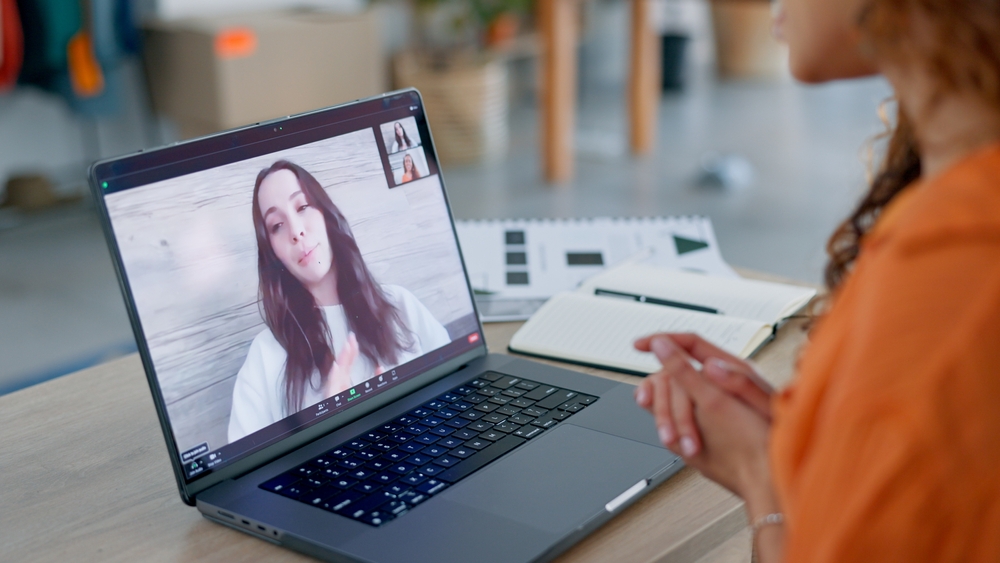
1. You’re Basically Performing 24/7
In person, you’re mostly just… existing.
On a video call, you’re performing. You monitor your expression. Your lighting. Your posture. And your background. Whether your face currently communicates “engaged professional” or “person silently calculating escape routes.”
And then there’s the self-view window — a delightful little feature that turns every meeting into accidental self-surveillance.
Your brain is doing extra work the entire time.
2. Your Brain Is Working Overtime to Read Social Cues
Human conversation normally runs on subtle signals. Body language. Timing. Tiny shifts in expression. Natural pauses.
Video calls shrink all of that into thumbnail-sized rectangles, compressed audio, occasional lag, and somebody freezing mid-sentence while looking vaguely judgmental.
Your brain compensates by working harder to interpret what’s happening. That effort adds up fast — a major contributor to video call burnout.
3. You’re Trapped and Motionless
In real life, people move. You walk into meetings. Shift positions. Grab water. Change environments. Gesture like a normal human being.
Video meetings often demand the opposite: stay centered, stay framed, don’t wander off-camera like a confused documentary subject.
The result? Physical stiffness, tunnel-vision screen fatigue, and posture that your future self will absolutely complain about.
4. The Background Anxiety Is Real
Remote work introduced a new category of low-level stress nobody requested.
Is your background clean? Is your lighting weird? Will your dog, child, cat, roommate, delivery driver, or suspiciously loud neighbor make a guest appearance?
These tiny anxieties seem harmless individually. Together, they become part of the broader weight of zoom fatigue.
5. There’s No Transition Time
Office workers used to have something remote calendars aggressively deleted: transition time. Walking between rooms. Getting coffee. Mentally closing one conversation before opening another.
Video schedules eliminate the buffer. You click “Leave Meeting.” You immediately click “Join Meeting.” There’s often no time to get ready for each video meeting.
Rinse. Repeat. Wonder why your brain feels like an overheated browser tab.
The Real-World Toll on Remote Workers
The effects go beyond simply “feeling tired.”
Appearance takes a hit first. Long stretches of screen glare, concentrated focus, and minimal movement can leave you looking visibly depleted: tired eyes, tension-set facial muscles, and that unmistakable “I’ve been trapped in corporate rectangles all day” look.
Focus suffers too. Deep work — the kind requiring creativity, analysis, or decision-making — doesn’t thrive when your attention has already been consumed by six consecutive status updates.
Creativity also takes collateral damage. Some of your best thinking probably doesn’t happen while staring into a webcam grid. It happens walking, chatting naturally, sketching ideas, or thinking in environments that don’t require performative eye contact.
And then there’s the weird paradox of remote work exhaustion: you can spend eight hours in meetings and still feel disconnected. All the performance. Very little actual human warmth.
So what’s the fix?
Glad you theoretically asked…
How to Actually Beat Zoom Fatigue (Without Quitting Your Job)

Batch Your Calls and Protect Focus Time
Treating your calendar like an open invitation is how many remote workers end up in meeting purgatory.
Try grouping calls into dedicated blocks or designated days. Protect deep work hours like they contain state secrets.
Because your best work probably doesn’t happen squeezed into the 17-minute gap between strategy syncs.
Use Audio-Only When It Makes Sense
Not every conversation needs cameras.
Quick updates, internal check-ins, walking calls, brainstorming sessions — many can work perfectly well in audio format.
Using audio strategically reduces screen fatigue without collapsing workplace civilization.
Change Your Environment — Seriously
Sometimes the problem isn’t only the meetings. It’s the setting.
The home office can be surprisingly exhausting: distractions, mediocre lighting, laundry existing aggressively in your peripheral vision.
A change of environment matters more than people think.
Circle Hub’s Hot Spots give remote workers a flexible drop-in workspace without booking drama. Different surroundings, professional energy, better visual stimulation — surprisingly effective antidotes for brains that have been marinating in screens.
Get a Dedicated Space When You Need Privacy
Taking important calls from a kitchen counter while somebody unloads groceries behind you?
Not ideal.
Circle Hub’s Private Offices give you a consistent, private setup for call-heavy schedules. Predictable environment. Better concentration. Fewer improvised webcam angles.
Take Meetings Off-Screen and In Person
Some conversations are simply better face-to-face.
Collaboration. Strategy sessions. Presentations. Delicate discussions where reading the room matters.
Circle Hub’s conference rooms exist for exactly this reason: bookable spaces designed for meetings that benefit from actual human presence, proper presentation setups, and enough room to think.
No mute button required.
Move Your Body — The Zoom Call’s Kryptonite
One of the fastest ways to shake off zoom fatigue?
Movement. Walk between calls. Stretch. Change posture. Leave the screen long enough to remember that weather exists.
A short workout or movement break before afternoon meetings can dramatically change how alert, focused, and present you feel.
Replace Virtual “Connection” With the Real Thing
The loneliness side of remote work doesn’t get solved by scheduling another networking webinar nobody wanted. It gets solved by being around actual humans.
Circle Hub’s member events create low-pressure opportunities for real connection — conversations, introductions, community, and professional relationships that happen without anybody asking you to “drop your thoughts in the chat.”
Make Calls Shorter and Less Frequent
Possibly the boldest move in modern remote work?
Ending meetings early. Or declining unnecessary ones. Or — stay with us here — not scheduling them in the first place.
Shorter meetings protect energy. Fewer meetings protect actual work. Revolutionary concept, apparently.
Zoom Fatigue FAQs
Does video-meeting overload affect in-person work performance?
Yes. When remote workers are mentally depleted from nonstop virtual communication, lower focus and energy tend to follow them into other work environments too. The fix usually starts upstream: reduce the overload before it spills everywhere else.
Is one video platform less exhausting than another?
Usually not. A long Teams meeting can feel just as draining as a long Zoom meeting. The issue is less about branding and more about format, duration, and frequency.
How many video calls per day is too many?
There’s no universal number, but once your calendar starts resembling a game of Tetris played by an over-caffeinated manager, you’re probably in dangerous territory. Many researchers point toward cumulative meeting hours as the bigger factor than sheer meeting count.
Stop Surviving Your Workday — Start Designing It
Remote work isn’t failing because people suddenly forgot how to be productive. Often, the systems are poorly designed.
Zoom fatigue isn’t a personal flaw. It’s a predictable consequence of calendars overloaded with screen-based interaction, minimal movement, weak boundaries, and environments that don’t support sustained focus.
The answer isn’t lower ambition. It’s smarter structure. Better spaces. Healthier rhythms. And occasionally, a room full of actual people.
If your current setup leaves you feeling cooked by 4 p.m., it may be time to rethink where — and how — you work.
Book a tour at Circle Hub today. Your future self will appreciate it.